
AI Instagram Reel cover maker
Reel covers that make your grid pop.
Create 9:16 Instagram Reel covers that also look good in your profile grid: your face and text stay inside the center crop, with colors that match your feed.
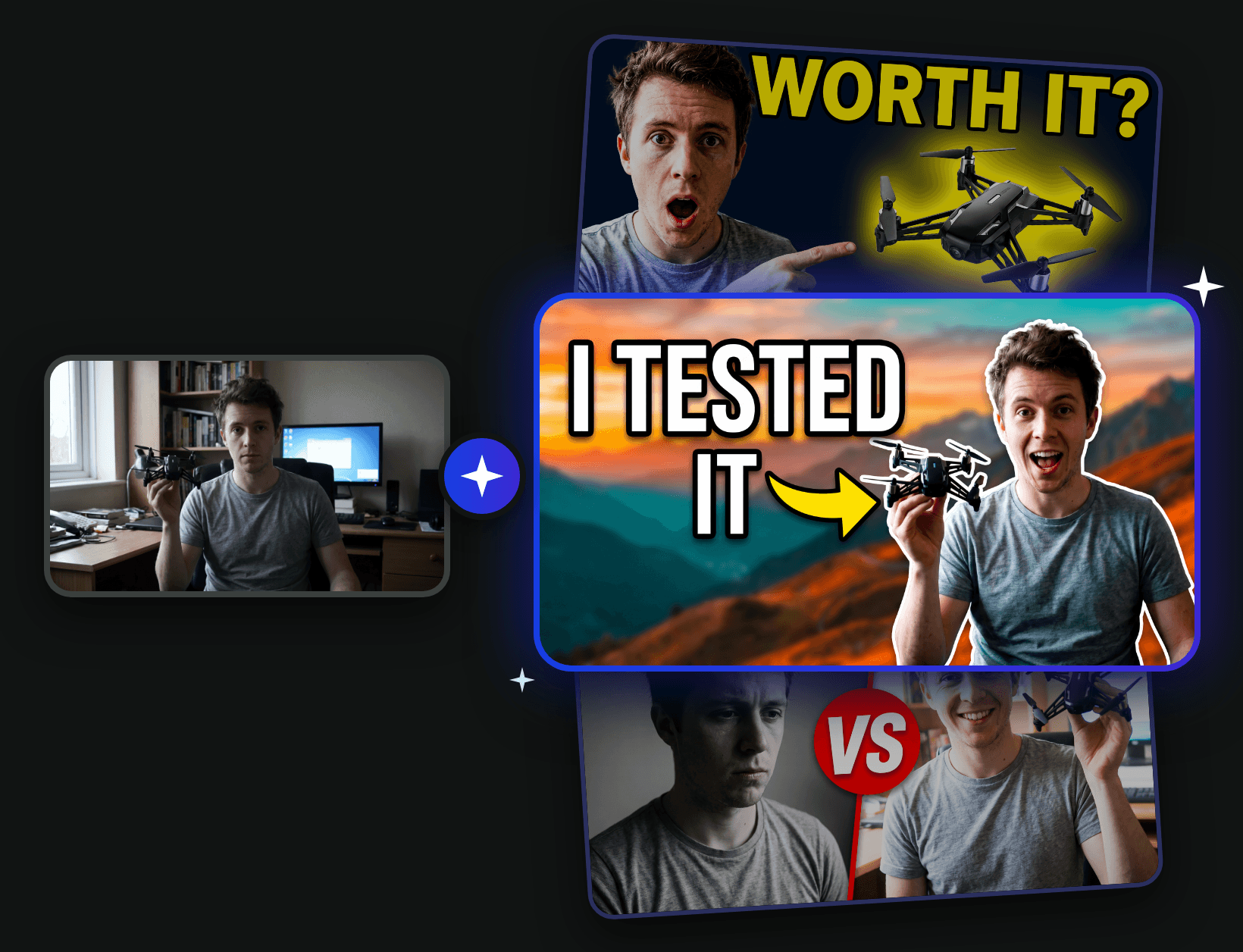
Four ways to design
AI idea
Describe your video. AI studies your photo and topic, then designs different concepts with their own headline, layout and colors.
Templates
Proven layouts like Reaction, Big text, Spotlight and Before vs after. Pick one and your photo is rebuilt in that style.
Sketch
Draw rough boxes, arrows and notes, and place your text. AI follows your layout and makes it look professional.
Reference
Add a thumbnail whose style you love, or your logo or product. Each file is named for its job, so AI knows what to copy and what to include.
Every format
- 1280 × 720YouTube video16:9, readable at phone size, with the corner kept free for the length badge.
- 1080 × 1920YouTube Shorts9:16 cover with text and face clear of the Shorts buttons and title.
- 1080 × 1920Instagram Reel9:16 cover that still works in the 3:4 profile grid crop.
- 1080 × 1920TikTok9:16 cover with text above the caption and away from the side buttons.
How it works
- 1
Add your photo
Upload a clear photo of you, your product or a frame from your video. Pick YouTube, Shorts, Reels or TikTok.
- 2
Choose a design
Use a template, let AI design ideas from your topic, sketch the layout or add references. Choose your text or let AI write it.
- 3
Download and post
Get up to four versions in under a minute. Download the best one, or use it as your new photo to keep improving it.
Questions
How do I make a YouTube thumbnail with AI?
Upload a photo, choose the YouTube format, tell us what your video is about and pick a template or AI idea. Click Generate and you get finished 16:9 thumbnails with text, cut-out and background in under a minute.
Will I still look like me?
Yes. Your face, hair and skin tone are kept, while the expression, lighting, background and framing are improved. Use a sharp, well-lit photo for the best result.
Can I make thumbnails for Shorts, Reels and TikTok too?
Yes. Switch the format to Shorts, Reels or TikTok to get a 9:16 cover. Faces and text are placed away from the areas each app covers with buttons and captions.
What is the difference between Template, AI idea, Sketch and Reference?
Template uses a proven layout. AI idea reads your photo and topic and designs different concepts for you. Sketch follows a layout you draw. Reference copies the style of a thumbnail you like or adds your logo or product.
What is the difference between Pro and Lite?
Pro gives the best faces, sharpest text and most detail, and is selected by default. Lite is cheaper and quicker, which is great for trying ideas before you make the final version in Pro.
Can I keep improving a thumbnail?
Yes. Open any result and choose Edit further. It becomes your new photo, so you can describe what to change, switch the text or try another template and generate again.
How much does it cost?
Thumbnails are billed in credits per image, and you see the exact cost before you generate. If an image fails, its credits are refunded automatically.