
AI background changer
New background. Same you.
Put your product or yourself anywhere: a luxury interior, a seaside terrace, a clean studio or your own photo of a place. AI keeps your subject exactly as it is, labels and text included, and lights it to match the new scene with natural shadows and reflections.
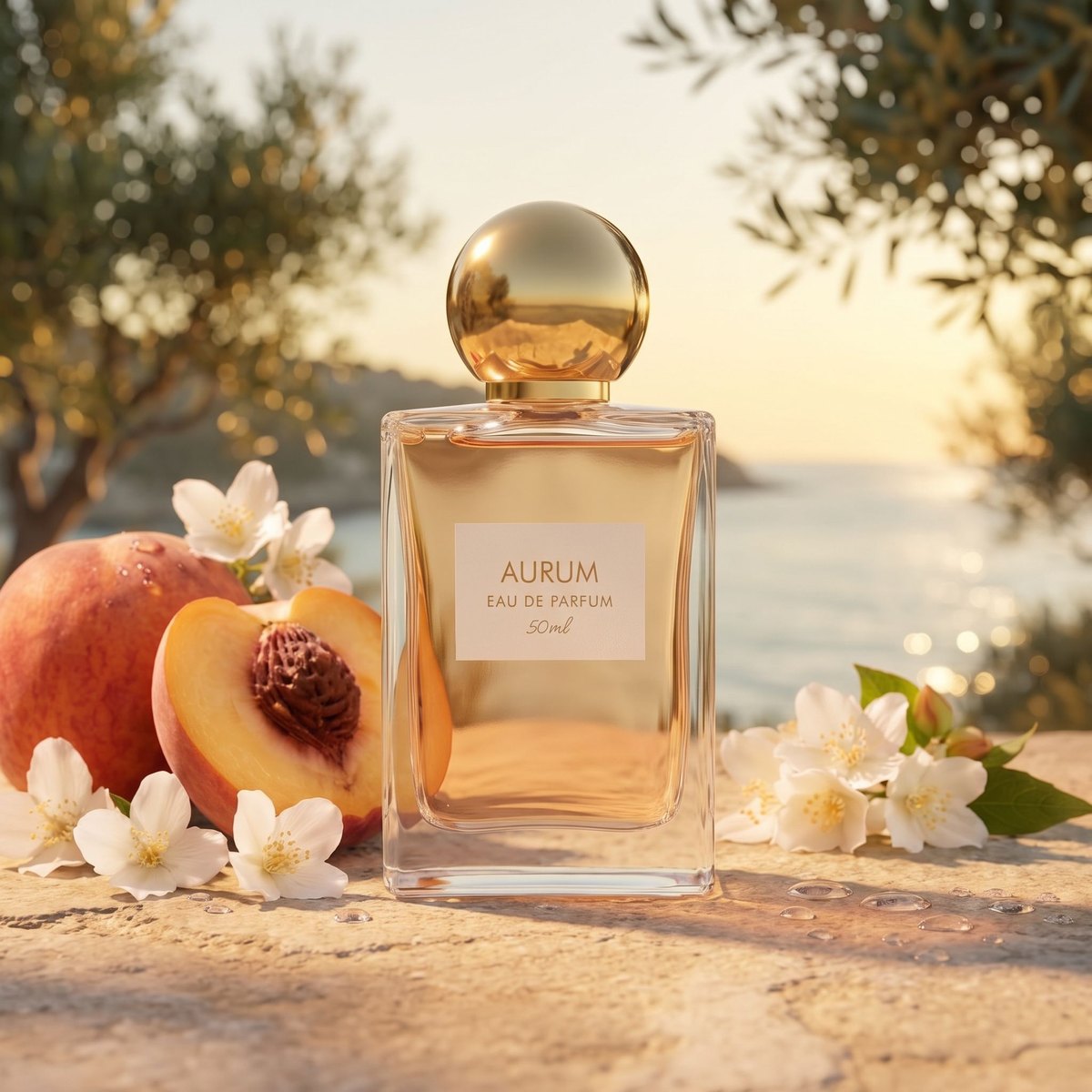
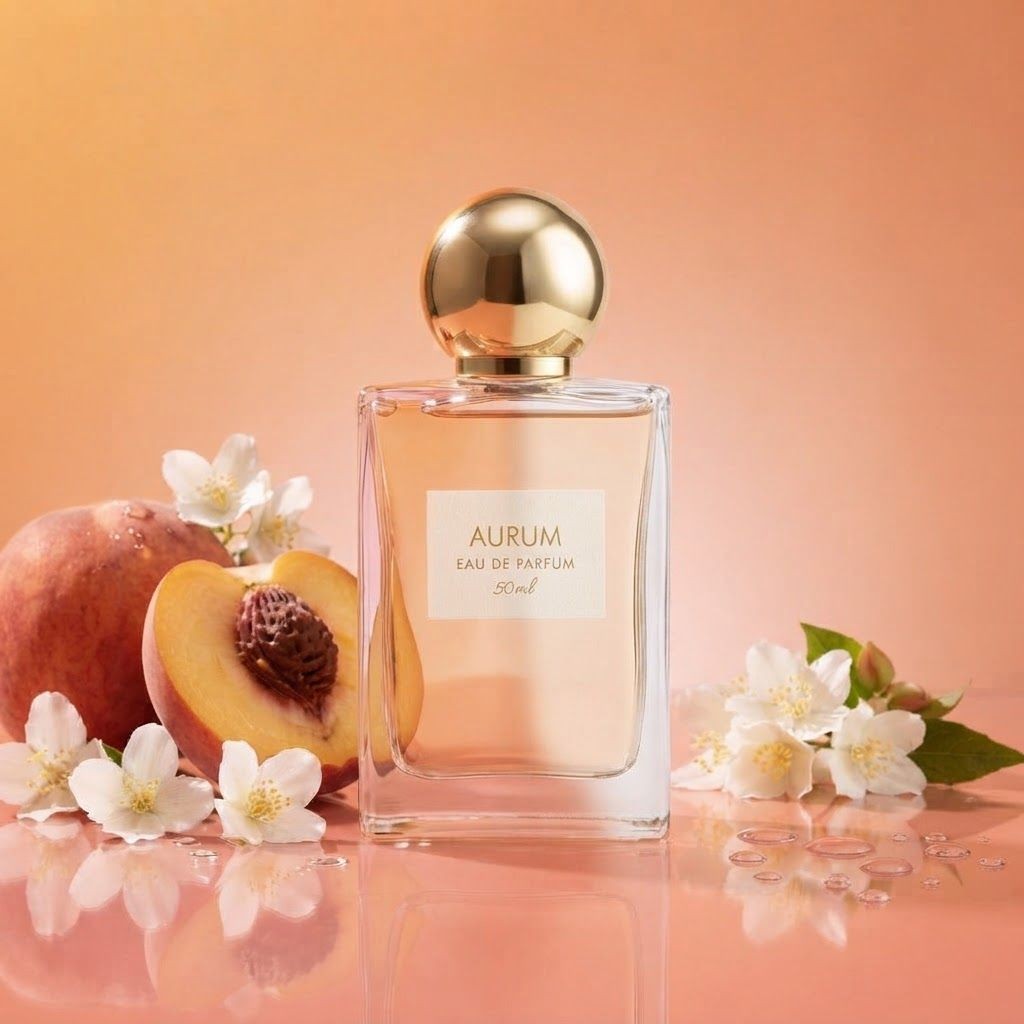
One photo, anywhere

Luxury interior
Seaside terrace
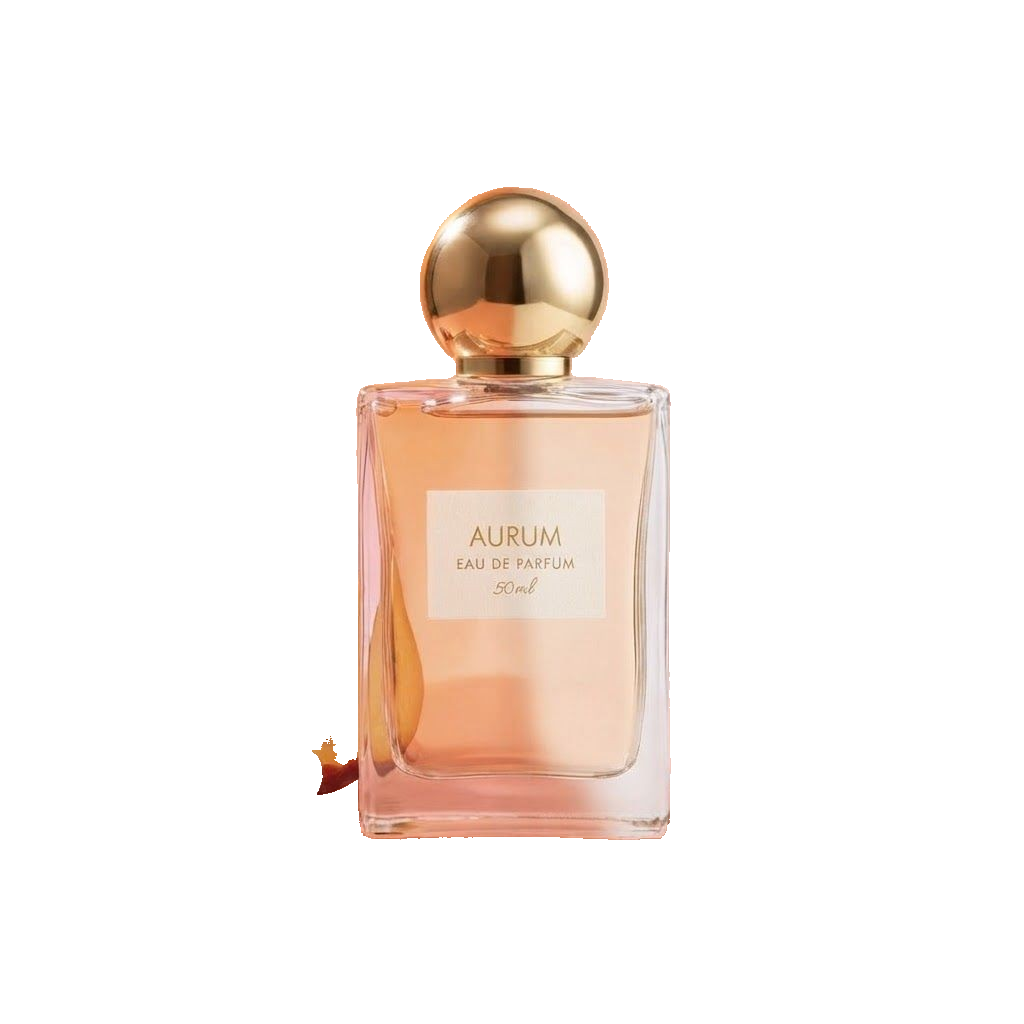
Transparent PNG
Made easy
AI ideas for your photo
AI studies your photo and suggests backgrounds that fit it. One tap and you are done.
Ready-made scenes
Studio colors, office, café, beach, neon and more, for people and products.
Your own background
Add a photo of any place and you are placed right into it, at the right size.
Sketch it
Draw where a window, a plant or a sign should go, and describe the rest.
Subject untouched
Faces, hair, hands, clothes and product labels stay exactly as in your photo.
Lighting that fits
Your subject is lit to match the new scene, with natural shadows. Or keep the original light.
How it works
- 1
Add your photo
A person, a pet or a product. Choose Replace or Remove.
- 2
Choose the background
Tap an AI idea, pick a scene, add your own background or sketch one. Pick a format for social posts.
- 3
Compare and download
Drag the slider to compare with your original, then download, or keep editing the result.
Questions
How do I change the background of a photo with AI?
Upload your photo, choose Replace and tap one of the AI ideas, pick a scene or describe the background you want. Click Generate and you get a realistic photo with your subject unchanged and lit to match the new background.
How do I remove the background from an image?
Upload your photo, choose Remove and pick Transparent, White, a color or Blurred. Click Generate and you get the result in a few seconds, as a PNG with transparency if you chose Transparent.
Will my face or product change?
No. Faces, hair, hands, clothing and product shapes, labels and text are kept exactly as in your photo. Only the background and the light falling on the subject change, and you can switch off Match lighting to keep the original light.
Can I use my own background photo?
Yes. Choose My photo and add a picture of the place. You are placed into that exact scene at a natural size and perspective.
What is the difference between Pro and Lite?
Pro gives the best detail, the most natural blending and higher resolution. Lite is cheaper and quicker, which is great for trying ideas.
How much does it cost?
Removing a background costs 0.1 credits. A new background costs 1 credit per image on Pro and 0.3 on Lite. AI ideas are free. You see the exact cost before you generate, and failed images are refunded automatically.