
Higgsfield vs VideoSlash: which AI video tool should you use?
Higgsfield generates a cinematic clip. VideoSlash writes the script, builds the faceless video, and also includes Creative Studio, a timeline editor with an agent, an API, and MCP.

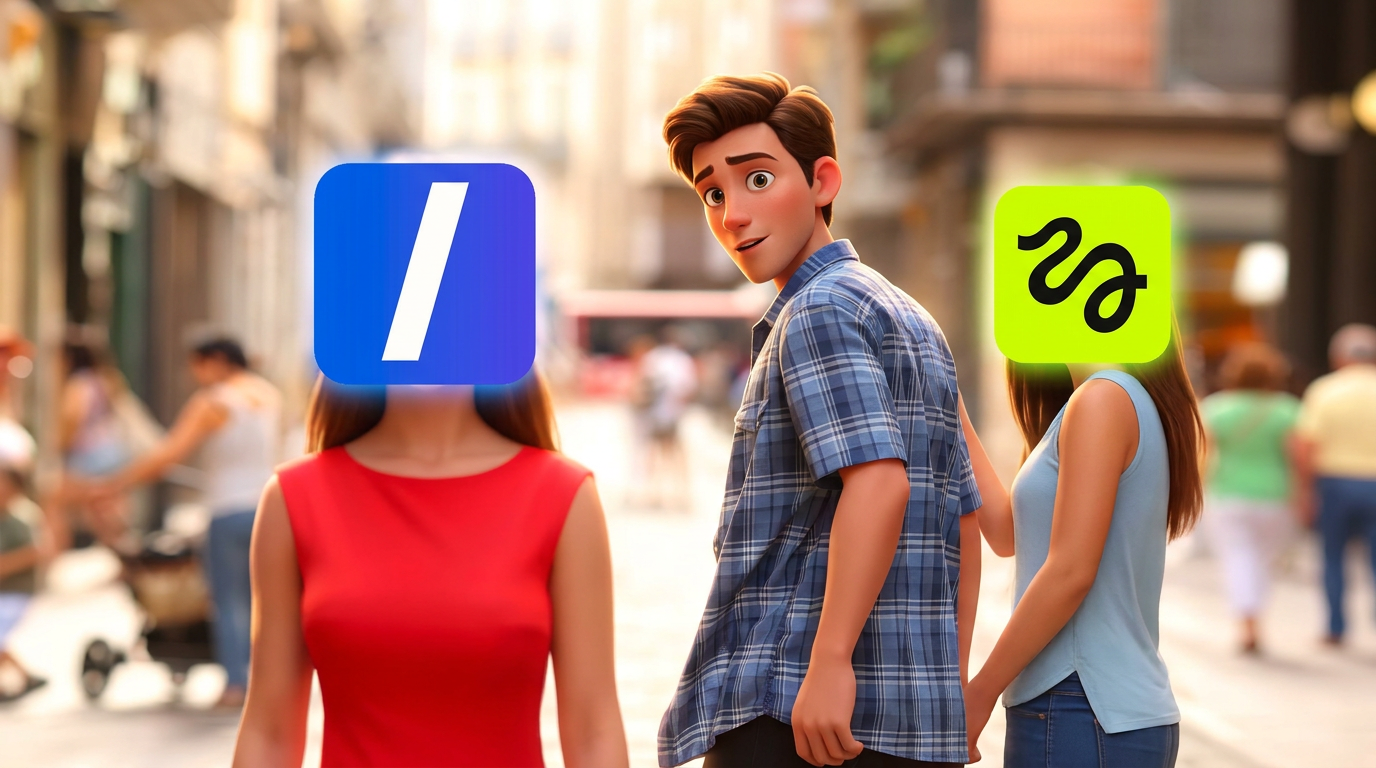
Higgsfield and VideoSlash both come up when people look for an AI video tool. They stop at different points.
Higgsfield generates a clip and gives you controls for how that shot looks. VideoSlash is the stack around a faceless channel: a script, a finished short with voice and captions, image and video models in Creative Studio, a timeline editor an agent can cut, and an API and MCP connection so Claude, Cursor, Codex, or OpenCode can run the same jobs.
If you searched Higgsfield because you want a posted faceless series, VideoSlash is the closer product. If you searched it because one shot has to move a specific way, a clip generator is the closer product, and you still need the rest of the pipeline.
What VideoSlash includes
VideoSlash Premium is one plan. It is €39 a month or €297 a year, with 100 credits refreshed every month. Script generation on that plan is unlimited. The pricing page lists commercial use, no watermark, 50+ voices, 100+ languages, and 15+ caption styles.
The work splits into five tools:
- Script generator. A topic goes in, a voiceover script comes out. You can also paste a script you already wrote, or clone the structure of a script from a YouTube URL inside Pro Studio.
- Pro Studio. Faceless videos: voice, visuals, and captions from that script. Fake text conversations and Reddit-style story videos sit beside it.
- Creative Studio. Image and video models, including image-to-image, image-to-video, and edits. Generations land in your library.
- Pro Editor. A multi-track timeline. The editor agent, in the project chat, can trim, split, add titles and captions, generate media onto the timeline, and export. You can also import finished Creative Studio and Pro Studio media into the same project.
- API and MCP. The same account, credits, scripts, and Creative Studio generations are available over the public API and as MCP tools. Coding agents use an API key. Claude connectors use sign-in. The setup lives on the MCP page.
TikTok is the network you connect and publish or schedule from the dashboard. Instagram and YouTube are where you upload the downloaded file. The FAQ says you own the videos you create and can use them on those platforms, for client work, or in ads, within the terms of service.
Higgsfield vs VideoSlash
| Higgsfield | VideoSlash | |
|---|---|---|
Finished output | A generated clip | A faceless short, a Creative Studio asset, or an editor export |
Script, voice, captions | You add them elsewhere | Included for faceless, fake text, and Reddit-style videos |
Image and video models | Its own model workspace | Creative Studio, also inside the editor |
Timeline | You edit outside the tool | Pro Editor, with an agent that can cut the project |
Agents | A place some people connect models | MCP and a public API for Claude, Cursor, Codex, and OpenCode |
Posting | You upload the file | Publish or schedule to TikTok; download for Instagram and YouTube |
Plan | Credits priced per render | €39/month or €297/year, 100 credits a month, unlimited scripts |
Higgsfield is a reasonable place to make one shot. VideoSlash is the place that also writes, voices, captions, edits, and posts the series that shot would belong to.
Faceless videos, fake text, and Reddit stories
These three are the repeating formats. Pro Studio and the video tools beside it are where they are made.
A faceless video starts with a topic or a script. VideoSlash drafts the voiceover if you do not have one, then builds the voice, the visuals, and the captions into one file. Premium includes 50+ voices and 100+ languages, so the same idea can be generated again for another audience, and 15+ caption styles if the default look is wrong for the niche.
A fake text video is a conversation on screen. You set the thread. The video plays the messages. That format carries relationship stories, scams, and arguments without anyone on camera.
A Reddit-style video narrates a post. The story is the script. The pictures and captions follow it.
All three download as a file. From the dashboard you can publish or schedule the TikTok post. The same file is what you upload to Instagram Reels and YouTube Shorts.
Pro Studio can also take a YouTube URL and clone a script from it. That gives you a new script in a tone and length you choose. It does not download the other person's video, and it does not post to YouTube for you.
Creative Studio
Creative Studio is the generation desk for stills and clips that are not a full faceless template. You pick a model, write the prompt, and can start from an image you already have: image-to-image, image-to-video, and edits. Finished pieces stay in your Creative Studio library.
That library is also how custom shots get into a faceless workflow. Generate the scene in Creative Studio, then import it into a Pro Editor project. The editor has the same generator in a sidebar, so you can make a clip without leaving the timeline. Results stay in Creative Studio history until you add them to that project's library. When the editor agent generates an image or a video, it can place the clip on the timeline while it renders.
Use Creative Studio when the picture has to be specific: a product, a place, a character, a shot the template background would not match. Use Pro Studio when the deliverable is the narrated short and the template is enough.
The Pro Editor and the agent
The Pro Editor is a real timeline, separate from the faceless renderer. A project has tracks, a library, and an export. You can cut by hand. You can also talk to the editor agent in that project.
The agent uses the same editing tools the app uses. It can inspect the timeline, trim, split, add titles and captions, generate media, and export. The default director mode plans the cut and can switch into design, audio, editing, or story for a step. Saved skills are playbooks the agent can follow again on a later project. Captions in the editor can be transcribed for a selected clip or for the whole timeline.
The in-app agent runs on VideoSlash credits, or on your own Anthropic key if you connect one. Claude, Cursor, Codex, and OpenCode can drive the same editor tools through MCP, with their own model, while the edits still land in your VideoSlash project.
This is the piece a pure clip generator does not include. After the faceless video or the Creative Studio shot exists, the timeline is where you join them, fix a caption, and export one file.
API and MCP
The public API and the MCP server expose the same account. An API key looks like vsl_... and is created under Account, Developers. Coding agents send that key. Claude connectors sign in with OAuth instead.
What you can ask for:
- A script, including a faceless short-form script
- A Creative Studio image or video, including a model list and a generation you poll until it finishes
A practical prompt is "check my credits, write a faceless script about this topic, then generate a 5-second clip." The agent calls VideoSlash. You are not copying prompts between tabs.
MCP is included on Premium, with the 100 monthly credits. Generation spends credits. Script generation on the plan is unlimited. If the balance is empty, the tools say so instead of silently failing.
One video, end to end
Niche: money mistakes. Format: faceless explainer, under a minute.
- In the script generator, use the topic "I paid $40 a month for an app I opened twice." Replace the first line if you would scroll past it.
- Generate the faceless video in Pro Studio. Watch it once with the sound off. The captions should carry the story.
- If one line needs a picture the template did not make, generate that shot in Creative Studio and bring it into a Pro Editor project with the video. Ask the editor agent to drop it on that line and fix the caption.
- Export. Publish or schedule the TikTok post from the dashboard. Upload the same file to YouTube Shorts and Instagram Reels.
The next video changes the topic and keeps the format. Friday can be a fake text thread or a Reddit-style story instead, if that format is the one you chose for the channel. Mixing all three every day looks like three channels.
After it is posted
Check four things on the file, not the view count:
- The first spoken line matches the post caption.
- The video still makes sense with the sound off.
- The picture changes when the sentence changes.
- The last line pays off the opening, so a replay makes sense.
You fix those on the next script, or on this one inside the Pro Editor, instead of rebuilding the video in another app.
Monetizing
You own the videos you create. The FAQ allows them on YouTube, TikTok, and Instagram, for client work, and in ads, within the terms of service. Commercial use and no watermark are part of Premium. YouTube and TikTok still decide who gets into their payout programs. Owning the file is what lets you post it in more than one place, send it to a client, or run it as an ad.
Which tool to use
Use VideoSlash if the thing you need tomorrow is another posted short, plus a place to generate custom shots, edit them on a timeline, and let an agent or an API do the repetitive parts. Start at videoslash.com. The plan and the credit allowance are on the pricing page.
Use Higgsfield if the work stops at the rendered shot and you will script, voice, caption, edit, and upload somewhere else.
Some Questions
Is Higgsfield enough for a faceless TikTok channel?
A generated clip still needs a script, a voice, captions, and an upload. VideoSlash runs that path for faceless, fake text, and Reddit-style videos, and publishes or schedules the TikTok post. You download the file for Instagram and YouTube.
Is VideoSlash only a faceless generator?
No. Premium also includes Creative Studio for image and video models, the Pro Editor with an in-app agent, a public API, and MCP for Claude, Cursor, Codex, and OpenCode.
Do I have to write the script?
No. The script generator drafts it from a topic. You can paste your own, or clone a script from a YouTube URL in Pro Studio.
Can an agent make the video?
Yes. MCP tools can check credits, write a script, and run a Creative Studio generation. The editor agent can also edit the timeline and export. Claude connectors sign in. Coding agents use an API key from Account, Developers.
Can I monetize the videos?
Yes. You own them and can use them on YouTube, TikTok, and Instagram, for client work, or in ads, within the terms. Each platform still has its own payout rules.
What does Premium cost?
€39 a month or €297 a year. Both include 100 credits a month, unlimited script generation, Creative Studio, Pro Studio, the editor, and API and MCP access.